 Memorisely


Weekly live classes
A one-hour live session each week that sets the pace for your cohort.
 Upskill with Zander Whitehurst
Build your design system with AI to design consistently anywhere. Join a live cohort with on-demand modules, templates, and async Q&A you can fit around full-time work.






3 weeks · Live & on-demand · Cohort-based AI bootcamp
In just 3 weeks, follow an actionable curriculum with live classes, AI templates, and async Q&A.

Live design classes
Attend live classes taught by industry experts
On-demand modules
Learn flexibly each week without pausing your day job or life
Async Q&A
Ask questions and gather personal feedback every week
Certificate of completion
Earn a shareable certificate when you finish the bootcamp
Over three focused weeks, you'll build a design system with AI: primitive and semantic tokens, agentic components in Claude, then tokens and components in code, with Figma MCP and a design-system.md your team can adopt.
Build the foundation of your design system. You will define colour ramps, type scales, spacing and radius primitives, and use AI to generate accessible, balanced scales quickly. You leave with a clean set of primitive tokens in Figma variables, ready to power everything else.
Give your tokens meaning. You will layer semantic tokens like surface, text, border and action on top of your primitives, and set up light and dark modes that switch cleanly. You will learn naming patterns that scale and make theming effortless across products.
Keep your token system tidy as it grows. You will scope variables so they only appear where they belong, document usage rules, and use AI to audit for duplicates and misuse. By the end your designers will always pick the right token without guessing.
Generate production ready components with Claude Code. You will prompt for buttons, inputs and cards that follow your tokens, review the output for accessibility and edge cases, and refine it until it meets your standards. You leave with a working set of core components in code.
Connect your tokens to every component so changes ripple through the system. You will replace hard coded values with tokens in Figma and code, test themes across states, and use AI to find anything that slipped through. You finish with components that update themselves when the system changes.
Model components the way engineers build them. You will design variants, sizes and states as clear props, match Figma component properties to code APIs, and use AI to spot missing states. You will learn to create components that are flexible without becoming confusing.
Use the Figma MCP server to keep your design system and codebase aligned. You will pull variables and component data straight into Claude Code, generate matching code, and spot differences automatically. You leave with a workflow that removes manual handoff from your system.
Ship your design system in code. You will export tokens to CSS variables and JSON, wire them into Tailwind, and publish components that match Figma exactly. By the end your system will exist in both tools with one shared source of truth.
Write the documentation your team and your AI tools will actually use. You will create a design-system.md that explains principles, tokens, components and usage rules in plain language. You finish with a living document that keeps people and AI agents building consistently.
The same rhythm every week: one live class, self-paced video lessons on your own time, and async Q&A you can fit around full-time work.
MonMON
TueTUE
3:00pm GMT
WedWED
ThuTHU
FriFRI
Live teaching, self-paced modules, async Q&A, and certification designed to fit around a full-time design job without falling behind.
A one-hour live session each week that sets the pace for your cohort.
Deep-dive lessons you watch on your own schedule, alongside your day job.
Post questions anytime and get thoughtful answers from your instructors.
Earn a shareable certificate when you finish the bootcamp requirements.
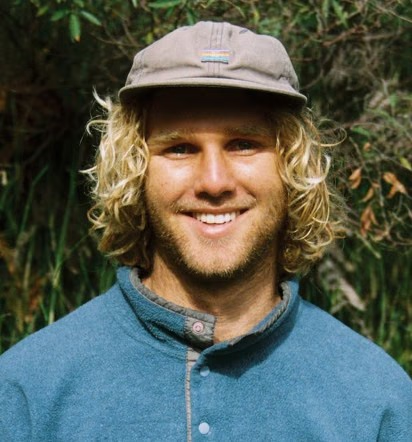
Live instruction from designers who build and ship AI product work in industry, with weekly feedback you can apply on the job.

Lead instructor
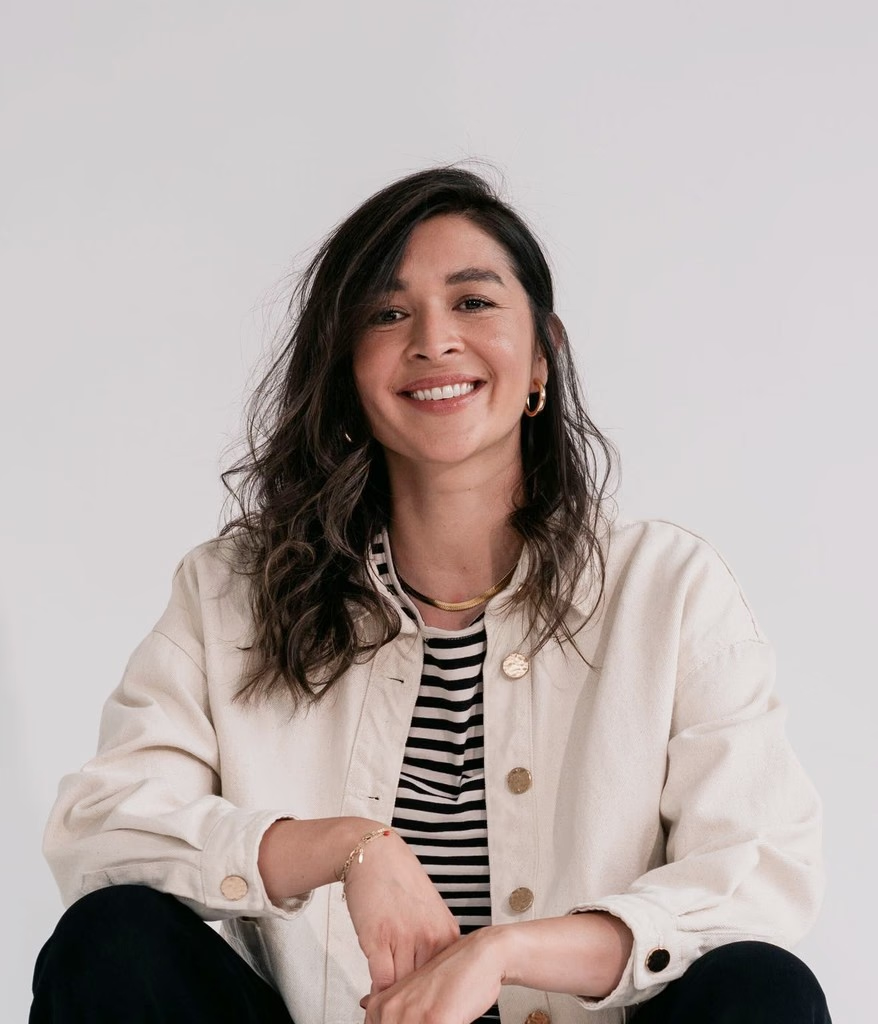
Founder of Memorisely and product designer for 15+ years. On Figma's education advisory board; leads AI, UI, and design-business cohorts.
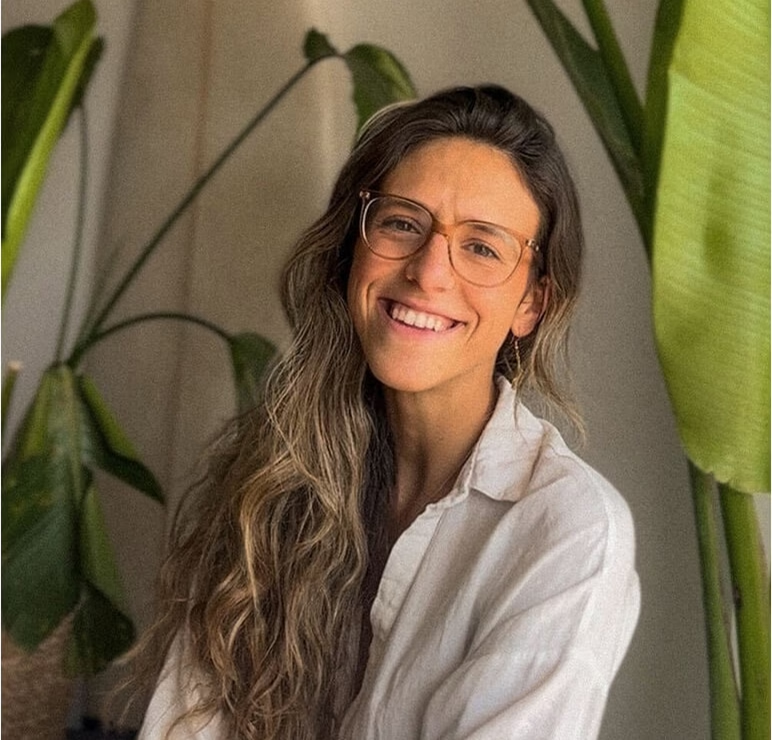
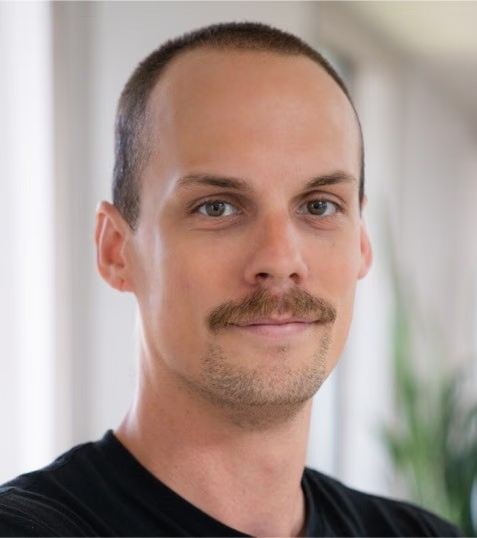
Design instructor
Expert in visual UI design, based in Portugal. Supports students through critique and craft feedback. Memorisely instructor since 2022.
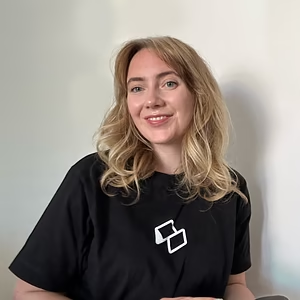
Community manager
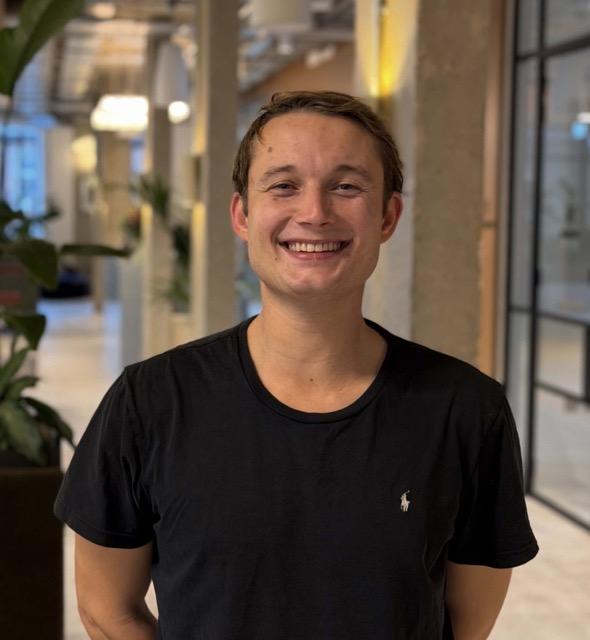
Based in Barcelona. Eleanor guides enrollment, logistics, and cohort support through certificate.
Community manager
Based in London. James helps designers, PMs, and engineers discover and excel in training at Memorisely.
For designers who want to build tokens, agentic components, and design systems in code, with live teaching and artefacts you can ship on your team.
You'll build the token layer, primitives, semantics, and scoping, in Figma with Claude, so every screen starts from the same foundations.
You'll design and ship agentic components: generate in Claude, bind tokens, and define props and states that scale.
You'll connect design to code with MCP, ship tokens and components in the repo, and document standards in design-system.md.
Product and UX designers at companies like Google, Airbnb, and Canva have upskilled with Memorisely through live cohorts and on-demand modules.
An eye-opening bootcamp! I evolved my design process with AI while connecting with amazing designers. Highly recommend!
Emily Goater
Product Designer
As a PM, I used to spend days writing specs that nobody fully read. After the AI Product Management Bootcamp, I show up to kickoff with a clickable prototype instead. The conversations with design and engineering are sharper, faster and so much more fun.
Olivia Bennett
Product Manager
Learning how designers use AI for research completely changed how I think about features. I'm asking 'why' far more often, and our roadmap is better for it.
Elsie Morgan
Software Engineer
One of the most productive and valuable programs I've joined. Excellent content, great energy, and a community that made me feel like I truly belong.
Ricardo Paulo
Senior Product Designer
I joined thinking I'd be the least technical person in the room. Within a week I realised everyone in the cohort felt the same, and that we were all figuring out AI together. Zander and Caro made sure everyone felt welcome, and the conversations with other PMs were some of the most useful of my career.
Liam Carter
Product Manager
The energy in the live classes was infectious. It's rare to leave a session after a full day of work feeling more energised than when you started.
Arthur Kemp
Software Engineer
With so much noise around AI, this workshop was a breath of fresh air. Zander and Caro showed how to use the latest tools in meaningful ways, and created a calm, inspiring space to learn.
Carolina Marchiori
UX/UI Designer
There's so much AI hype aimed at product managers right now, and most of it is surface level. This bootcamp went deeper. I learned how to use AI to synthesise research, pressure-test assumptions and prototype flows before a single ticket hits the backlog.
Amelia Hughes
Product Manager
What makes Memorisely special is the heart behind it. The instructors genuinely care whether you succeed, and it shows in every session and every bit of feedback.
Penelope Ortiz
Software Engineer
Early-bird pricing for individuals and teams joining the next cohort, with the same curriculum and live instruction on every plan.
$695$595
Early bird$695$495/ team member
Early bird$0
Most designers, PMs and engineers who upskill with Memorisely use their company training budget. Request an invoice and we will send one your team can approve, wherever you are in the world.
Request invoicePractical answers about live sessions, time commitment, and what you keep after the cohort ends.
Most learners spend about 4-6 hours per week: one live class, self-paced modules, and optional async Q&A. You can spread the on-demand work across evenings or weekends.
Yes. The bootcamp is built around full-time schedules. Live sessions are recorded, templates are ready to use, and you can catch up on modules between classes.
Every live session is recorded and posted with the week's materials. You can watch on your own time and still bring questions to async Q&A or the next live session.
You receive a certificate of completion when you finish the cohort requirements, including the weekly modules and final portfolio deliverable.
Teams of three or more seats get volume pricing on the team plan. Email hello@memorisely.com with your headcount and cohort date and we'll send a quote and onboarding steps.
If you need to drop before the cohort starts, contact us for a full refund. After kickoff, transfers to a later cohort are available when seats allow.
 Live bootcamp · 3wJan11Jan29
Shift upstream and make better product decisions with AI from problem to strategy.
Live bootcamp · 3wJan11Jan29Adopt AI with Claude as a Product Designer. Shift into a code-first workflow.
Live bootcamp · 3wJan12Jan29Shift careers into design engineering by mastering frontend with AI.
Live bootcamp · 3wJan14Jan29Extend your UI skills into motion. Create smooth animations and interaction systems with AI.
Live bootcamp · 3wJan14Jan29Spot weak UI, build your design eye to create stunning interfaces.
Live bootcamp · 3wJan13Jan29Turn your design expertise into a profitable, sustainable design business.

Upskill with Zander Whitehurst
PRDs, roadmaps, and validation with AI across three live weeks with Claude and Linear.
Bootcamp curriculum
$695$495
Path bundle